SELL
Offer pages and checkout
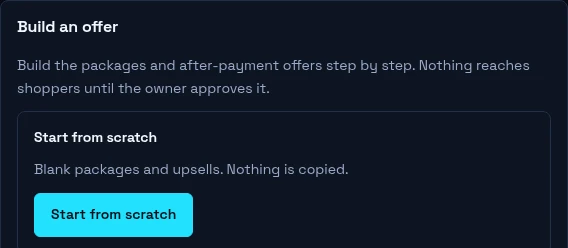
Build fast offer pages and accept payments through Stripe and PayPal. Every paid order lands in your Shopify store.
 ecoriyo
Commerce for Shopify merchants
Build offer pages, run campaigns and see what actually makes money. Publish from your phone and keep every paid order in Shopify.
The workspace
Go from a new offer to the numbers that tell you whether to scale it.
SELL
Build fast offer pages and accept payments through Stripe and PayPal. Every paid order lands in your Shopify store.
ADVERTISE
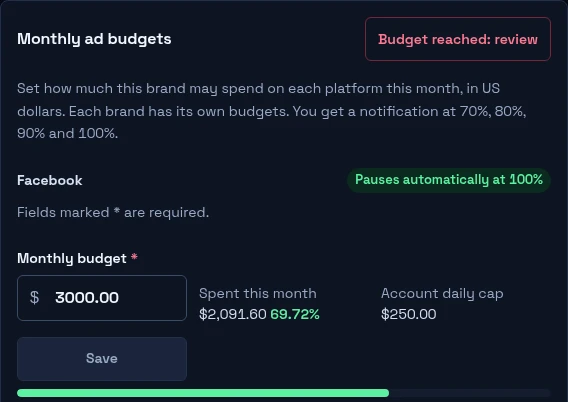
Plan and run campaigns on Meta, Google and TikTok. Set budgets and limits before changes go live.
MEASURE
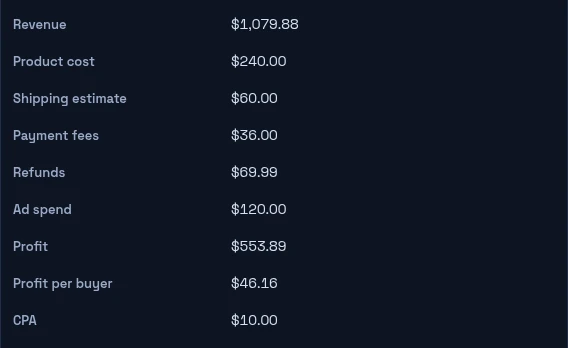
See your cost per customer, break-even point and marketing efficiency ratio (MER) alongside sales and profit.
PUBLISH
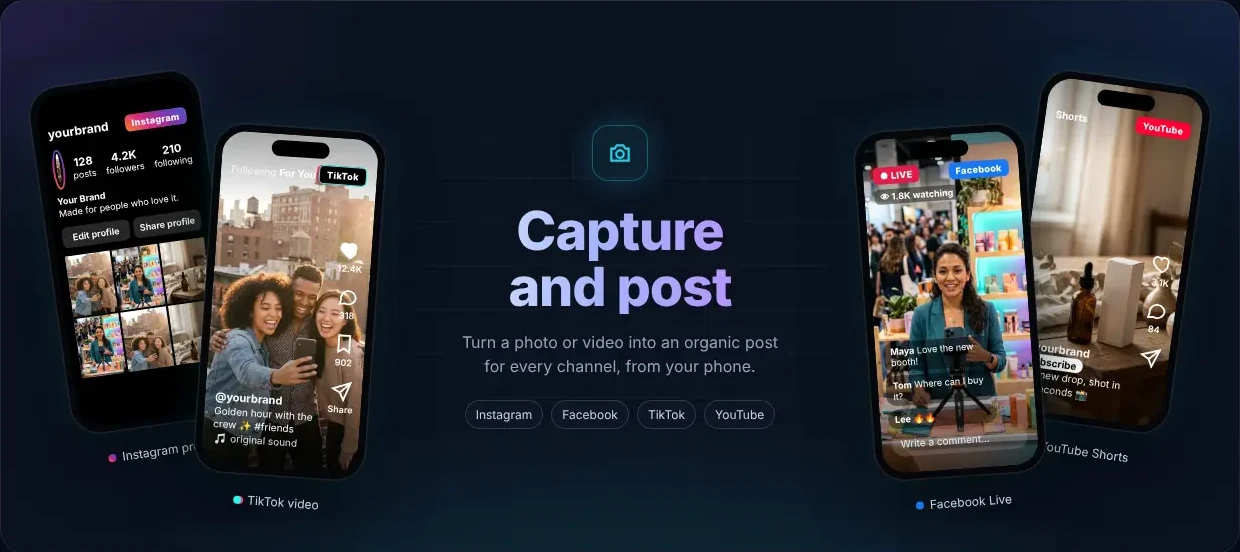
Publish organic posts to Facebook, Instagram, TikTok and YouTube.
Explore Capture and post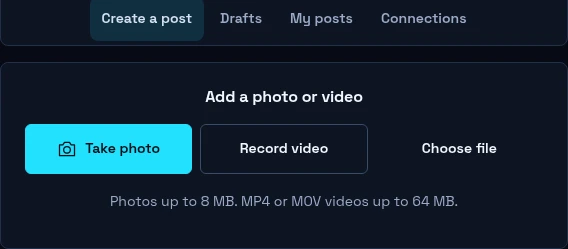
PLAN
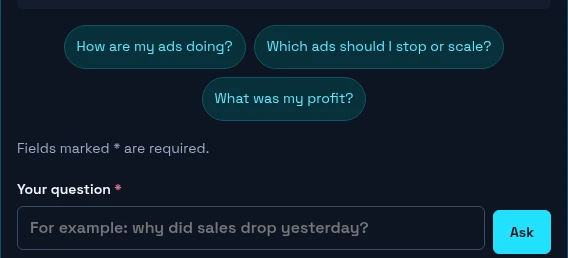
Ask about your results or have the assistant draft changes. Review and approve drafts before they take effect.
CONTROL
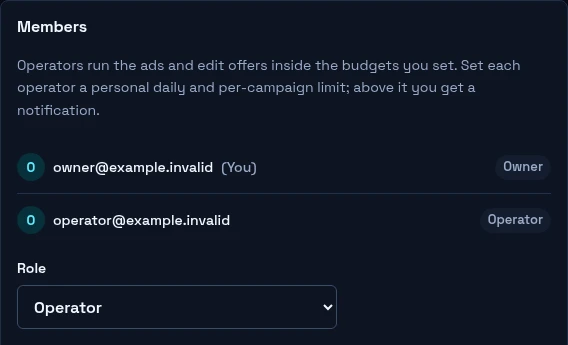
Give teammates access by role and route sensitive changes to the owner for approval.
How it works
Link Shopify and your payment providers. Connect the ad and social accounts you want to use.
Create an offer page and checkout, set a campaign budget and send changes to the owner for approval.
Follow orders and profitability. Use the results to adjust your next campaign or draft a new offer.
FAQ
Yes. Connect your Shopify store so paid orders can be created there and your team can handle fulfillment as usual.
Connect Stripe and PayPal for checkout. Your payment provider handles the payment details.
Publish to Facebook Pages, Instagram professional accounts, eligible TikTok accounts and YouTube. For YouTube, the owner connects the merchant’s channel and confirms each upload of the merchant’s own videos.
Yes. Give teammates the access they need to prepare work. The owner controls money changes and can review and approve each organic post before publishing. An owner can grant publishing permission for Facebook, Instagram and TikTok. The owner confirms YouTube uploads.
The assistant can explain results and draft changes. Draft changes require approval before they take effect.
Email us with your Shopify store URL and what you want to launch. We will follow up about access and setup.
Tell us what you want to launch.